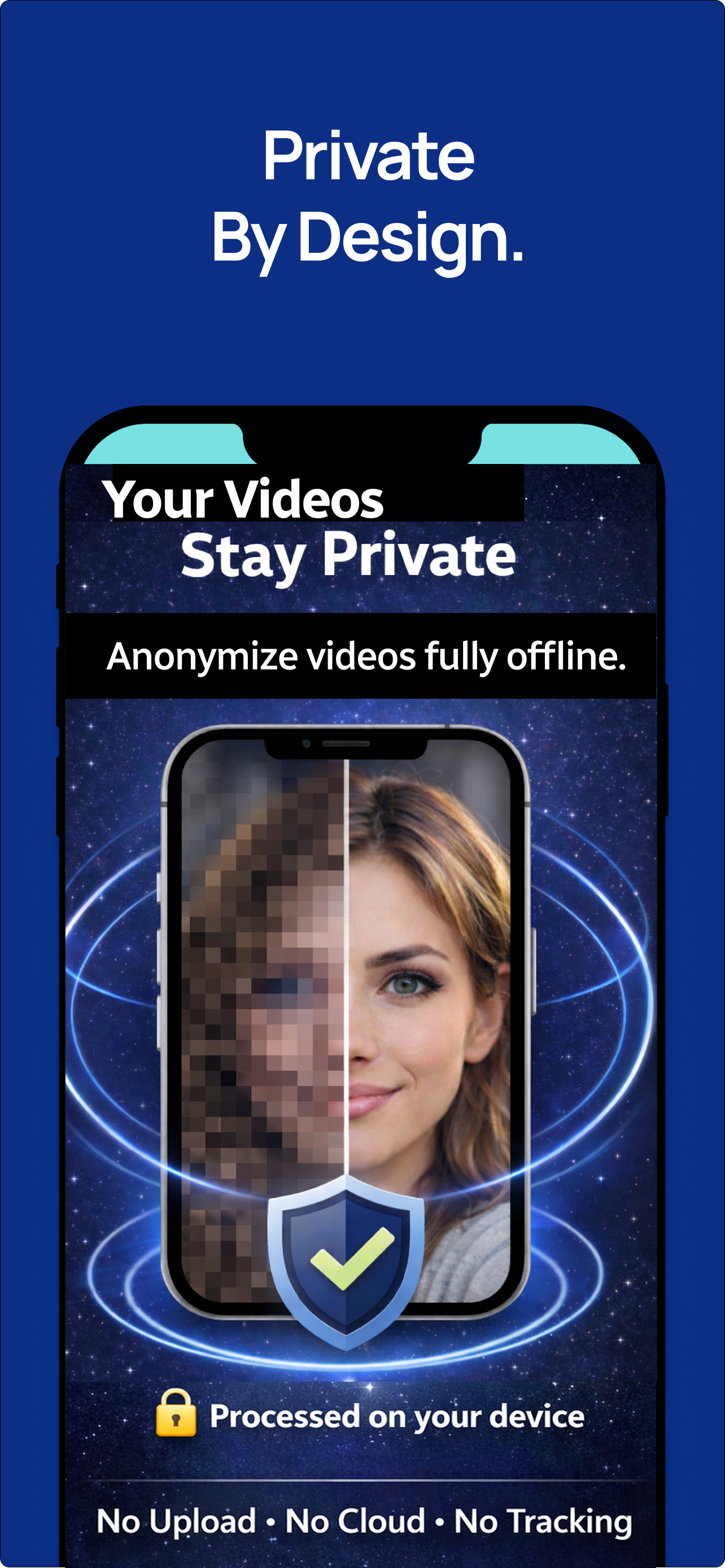
Private by design
Process creator media on-device with no cloud blur workflow for raw source clips.
Record private previews, social teasers, collabs, behind-the-scenes clips, and faceless brand content with hidden faces, offline processing, metadata controls, voice protection, watermarking, and 4K export.
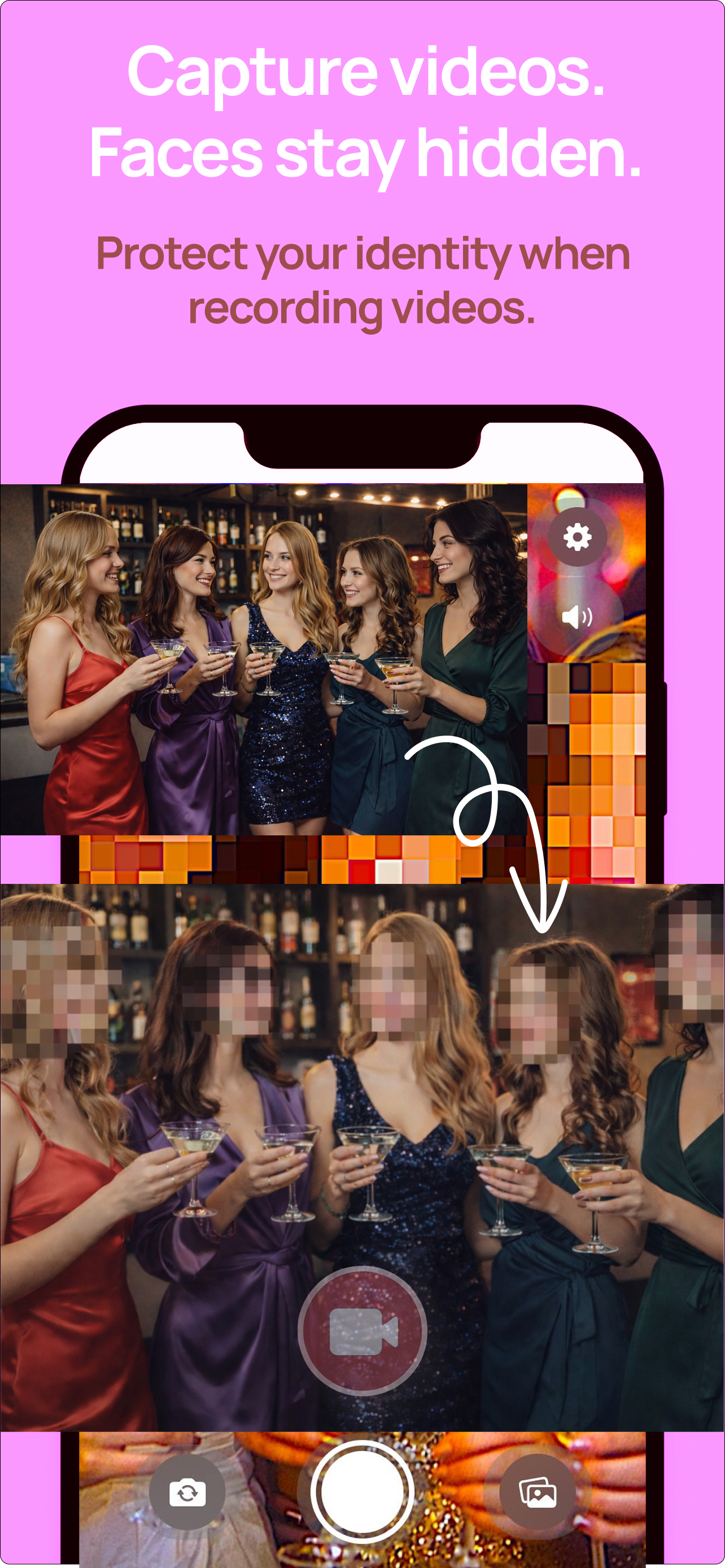
The strongest creator value is simple: film the moment, keep faces hidden, and save only the protected output. Private BlurCam applies blur during capture so privacy is part of production, not a cleanup task after something risky is already recorded.
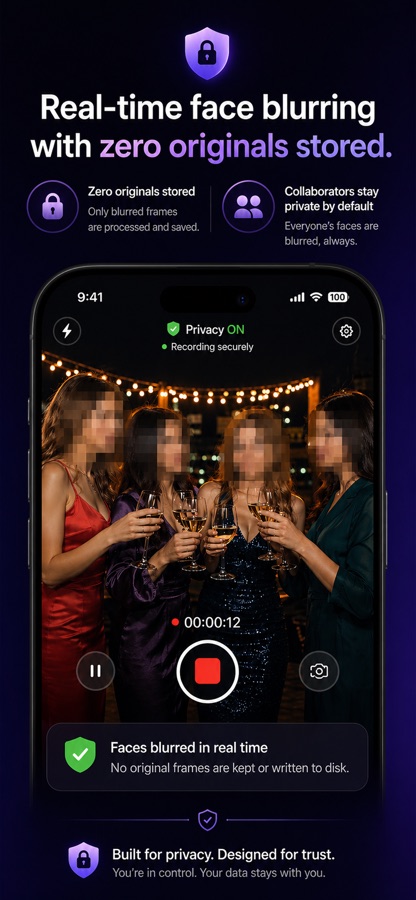
Process creator media on-device with no cloud blur workflow for raw source clips.
Film groups, mirrors, rooms, and shared spaces while faces are blurred before saving.
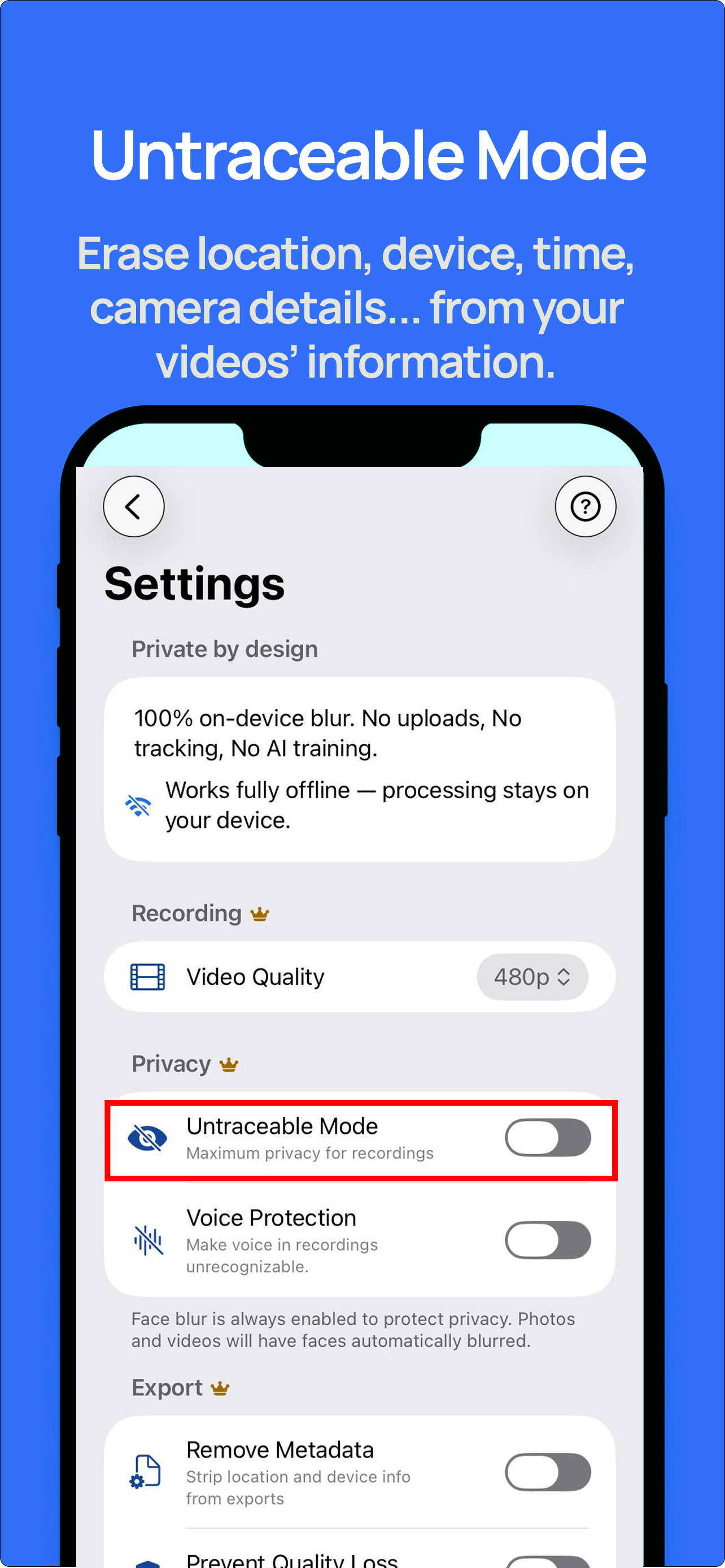
Use maximum privacy settings for clips that should not carry location, device, time, or camera clues.
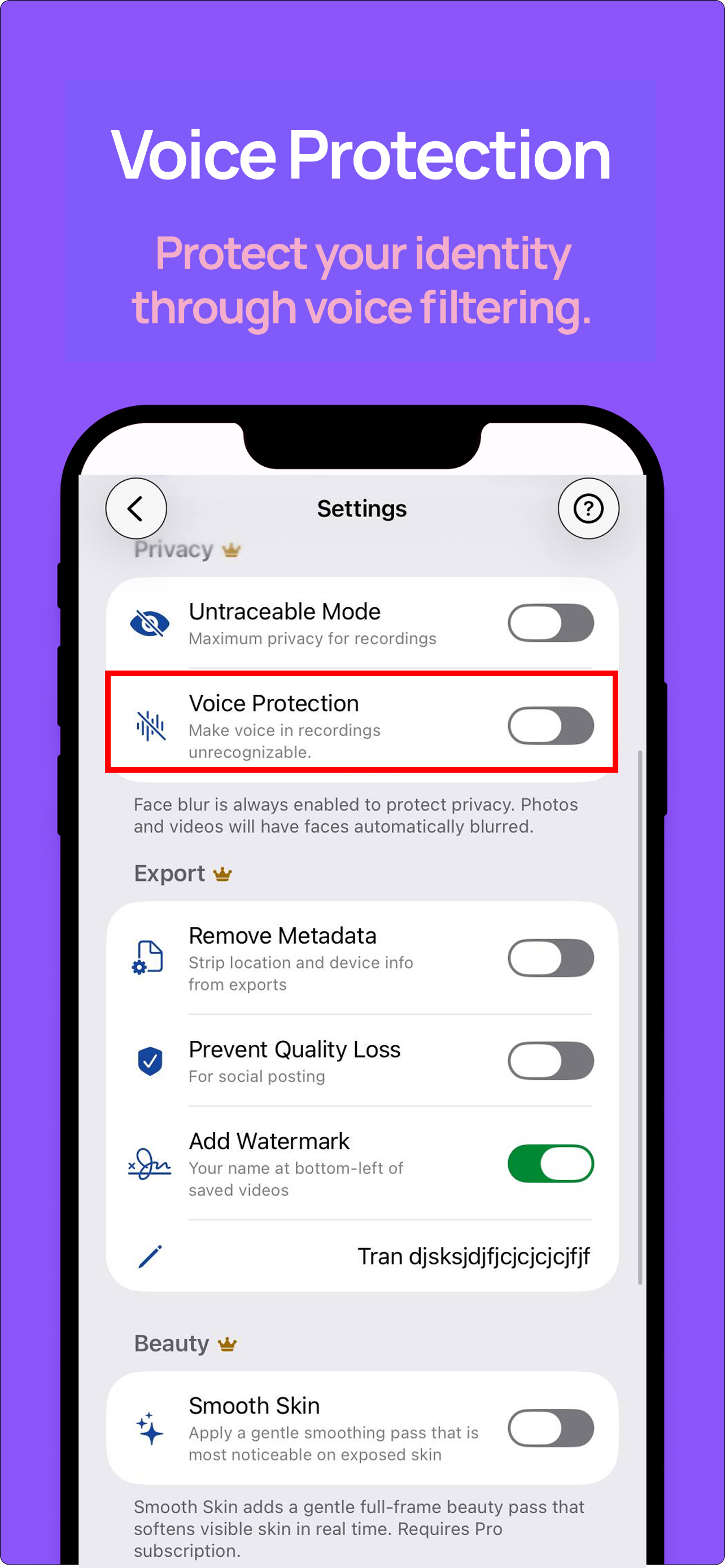
Mask narration and background voices when real-world identity needs separation from creator persona.
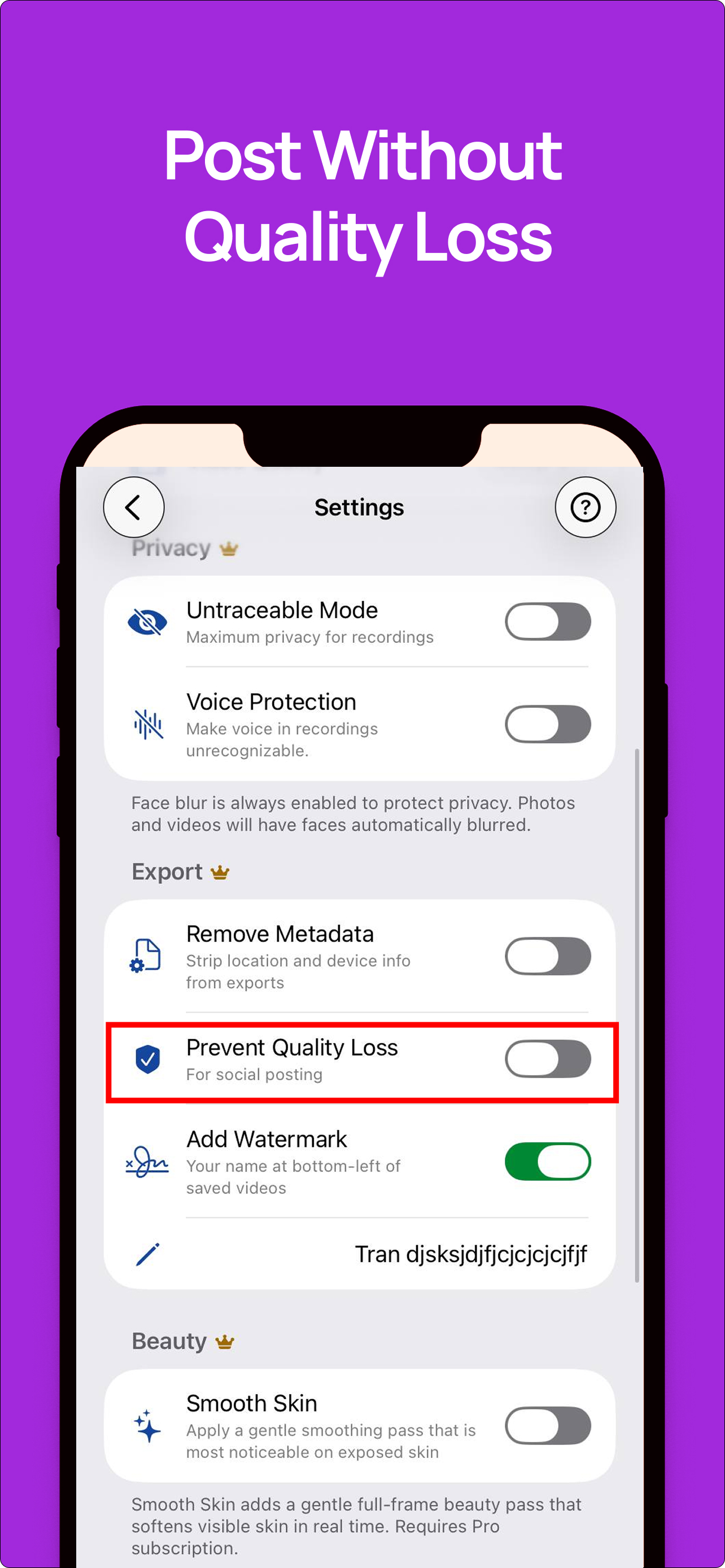
Prepare clips for social posting, add a watermark, and keep creator previews sharper after recompression.
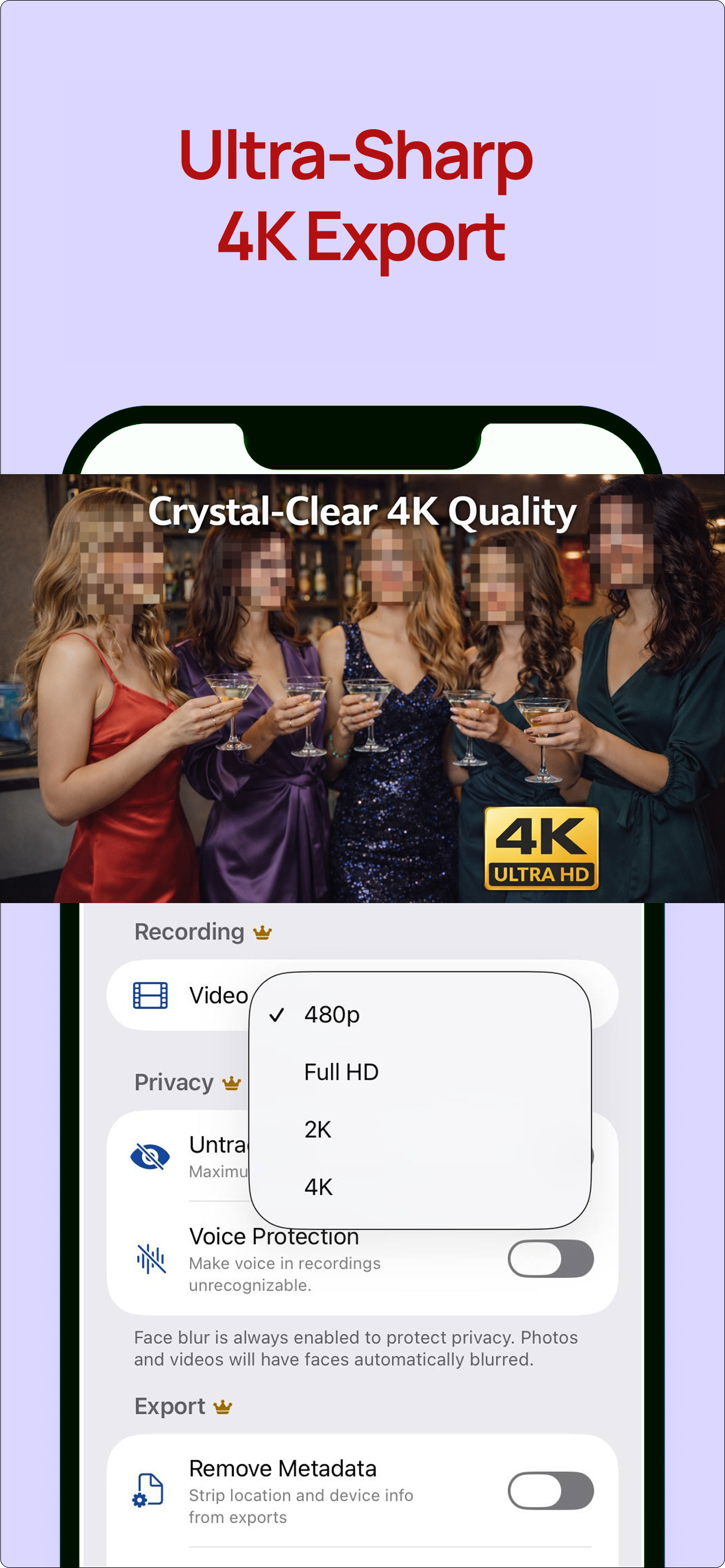
Upgrade from 480p to Full HD, 2K, or 4K for polished promos and higher-value content drops.
Pew found 41% of U.S. adults have personally experienced online harassment. Public creator accounts increase the surface area for unwanted attention.
Severe forms include stalking, sustained harassment, or physical threats. Privacy controls are a risk-reduction workflow, not decoration.
USENIX research on creators describes emotional, physical, relational, and financial safety as part of modern creator threat models.
Sources: Pew Research Center online harassment report, USENIX digital-safety needs of creators.
Most camera apps assume you can fix privacy later. Private BlurCam is built around capture-time protection: face blur is always on, the preview is processed live, and the app confirms when protected media is saved.

Film teasers or short clips where the setting matters but full identity does not. Face blur is automatic.
Protect people who did not agree to be part of the final file, especially in studios, venues, homes, and events.
Reduce hidden metadata, disguise voice when needed, and apply a watermark for attribution before posting or sending.
Always-on face blur helps protect your real-world identity, collaborators, clients, friends, and bystanders before the media is saved.
Camera processing is designed to run on-device, so you do not need to send unprotected source clips to a cloud blur tool.
Pro metadata removal reduces hidden clues such as location, device, timestamp, and camera information before a clip leaves your phone.
Voice Protection helps separate creator persona from real-world voice identity, especially for narration, room audio, and short previews.
Burn a creator name, brand, or handle into saved videos so preview clips retain attribution after sharing or reposting.
Use Full HD, 2K, 4K, sharpness, saturation, and Prevent Quality Loss to keep creator clips cleaner through platform recompression.
Switch between quick protected photos and longer recorded clips without changing apps or rebuilding the privacy workflow.
Optional Pro beauty pass helps creator media look more polished while keeping the core identity-protection workflow intact.
The app shows which protections were applied after saving, giving creators a final confidence check before publishing or sending.
| Feature | Free | Pro | Creator value |
|---|---|---|---|
| Real-time face blur | Included | Included | Protects you, collaborators, bystanders, and background faces before saving. |
| Recording quality | 480p | Full HD, 2K, 4K | Sharper clips for paid feeds, previews, and promo cuts. |
| Metadata removal | Off | On | Reduces hidden location, device, timestamp, and camera details before sharing. |
| Voice protection | Off | On | Useful for narration, background voices, and persona separation. |
| Prevent Quality Loss | Off | On | Helps preserve detail through social platform recompression. |
| Watermark | Off | On | Adds creator name, brand, or handle in the lower-left of saved videos. |
| Smooth Skin | Off | On | Optional real-time beauty pass for polished creator clips. |
Private BlurCam reduces common privacy leaks during capture and export. It cannot guarantee anonymity, stop screen recording, prevent reposts, or make content impossible to copy.