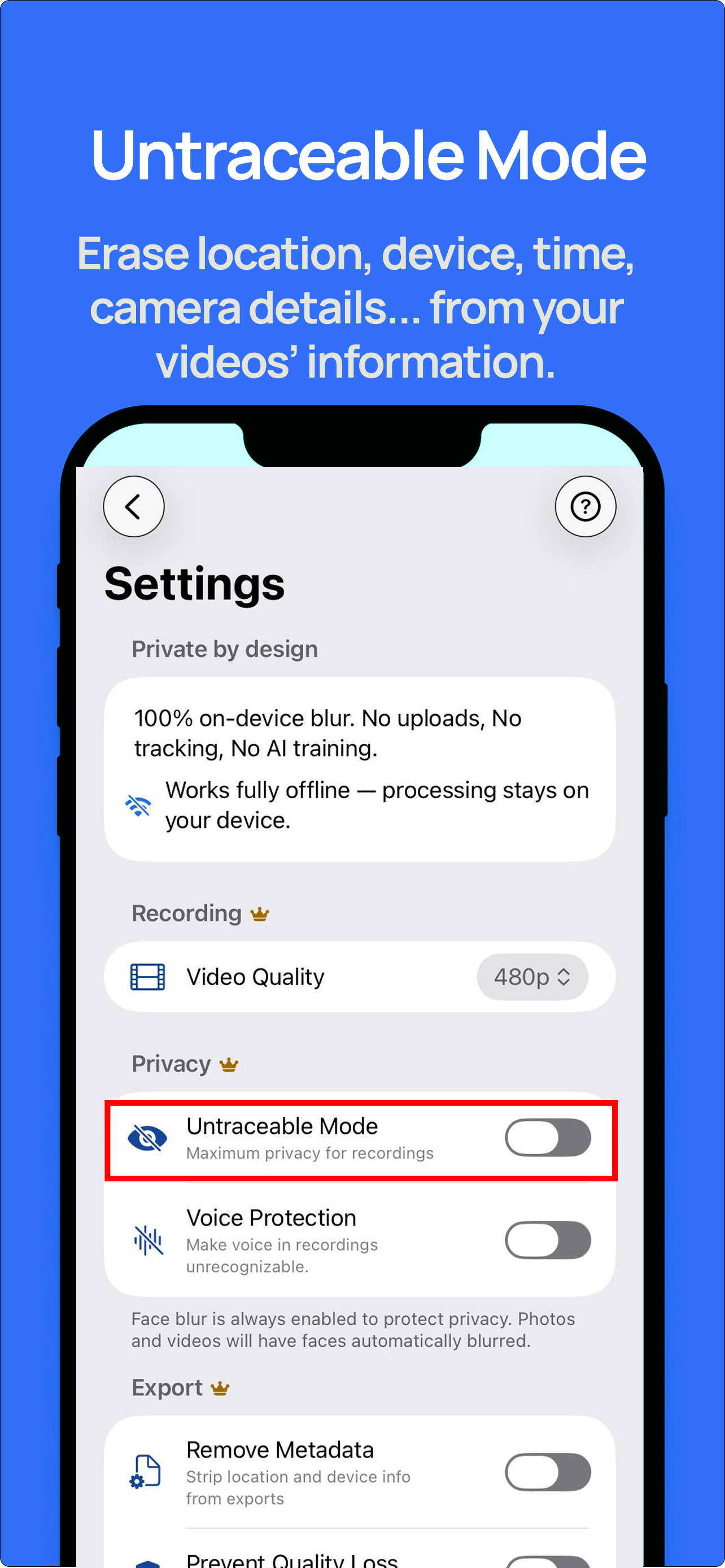
Capture videos. Faces stay hidden.
Record groups, shared rooms, and background people with automatic face blur applied to the saved clip.
Private BlurCam helps creators record previews, collabs, behind-the-scenes clips, and private-channel media with faces hidden, offline processing, 4K export, voice protection, metadata removal, watermarking, and social-ready quality controls.
Private BlurCam is built so protected frames are what reach the saved file. For creators, that means collaborators, background people, and accidental faces stay hidden by default while the workflow remains fast enough for real production.
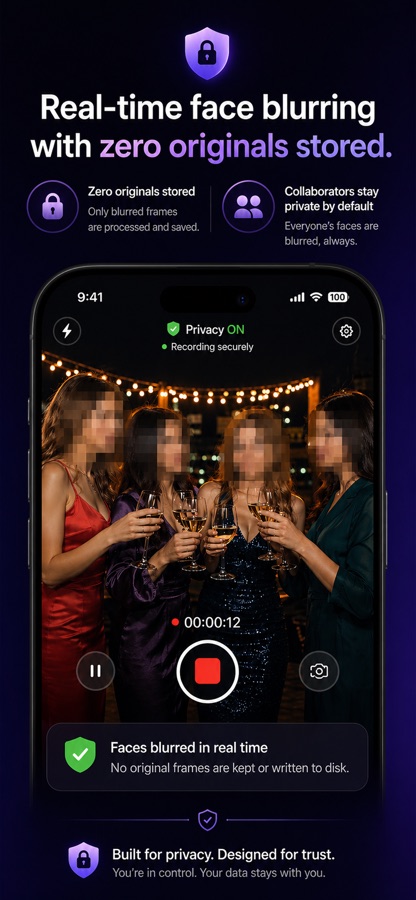
Record groups, shared rooms, and background people with automatic face blur applied to the saved clip.
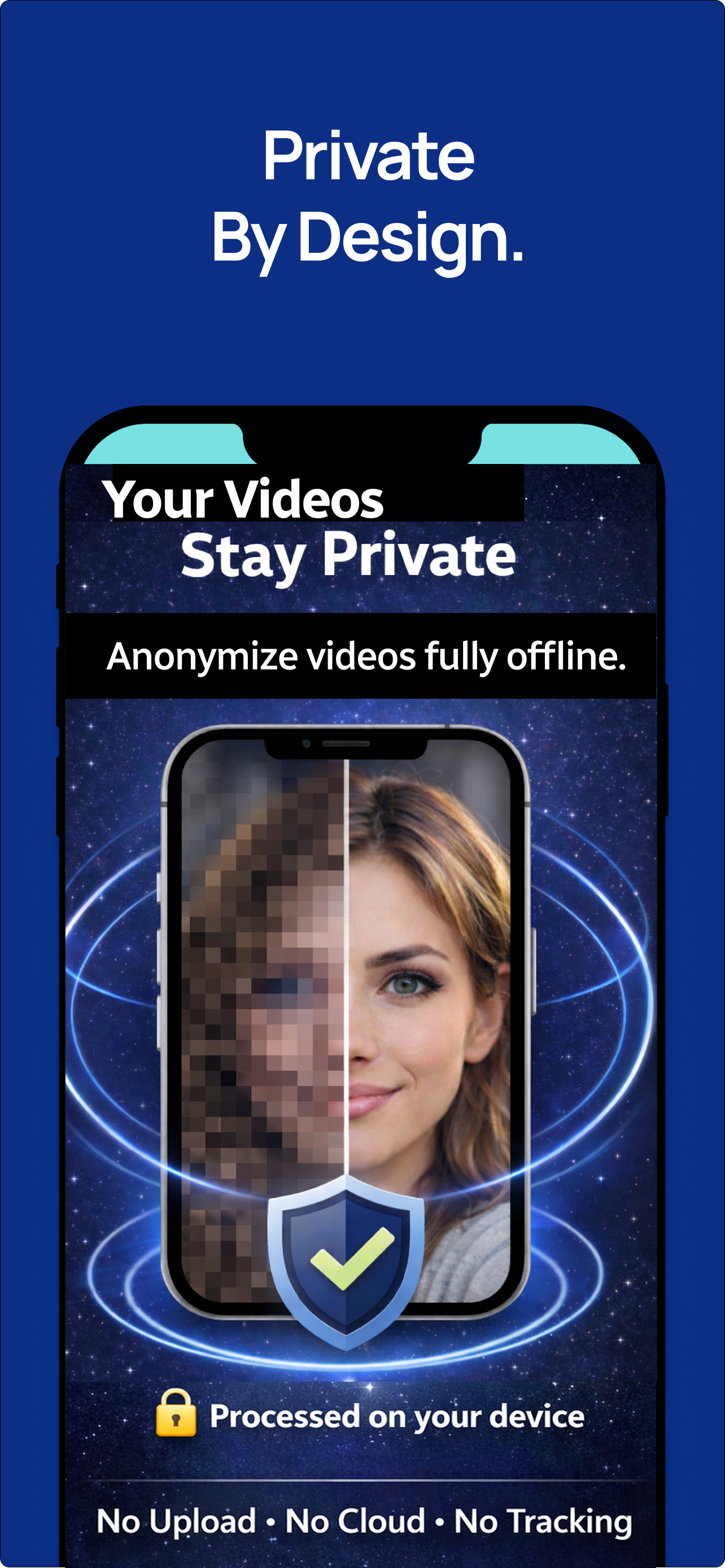
On-device processing helps avoid uploading raw creator media to a cloud blur service.
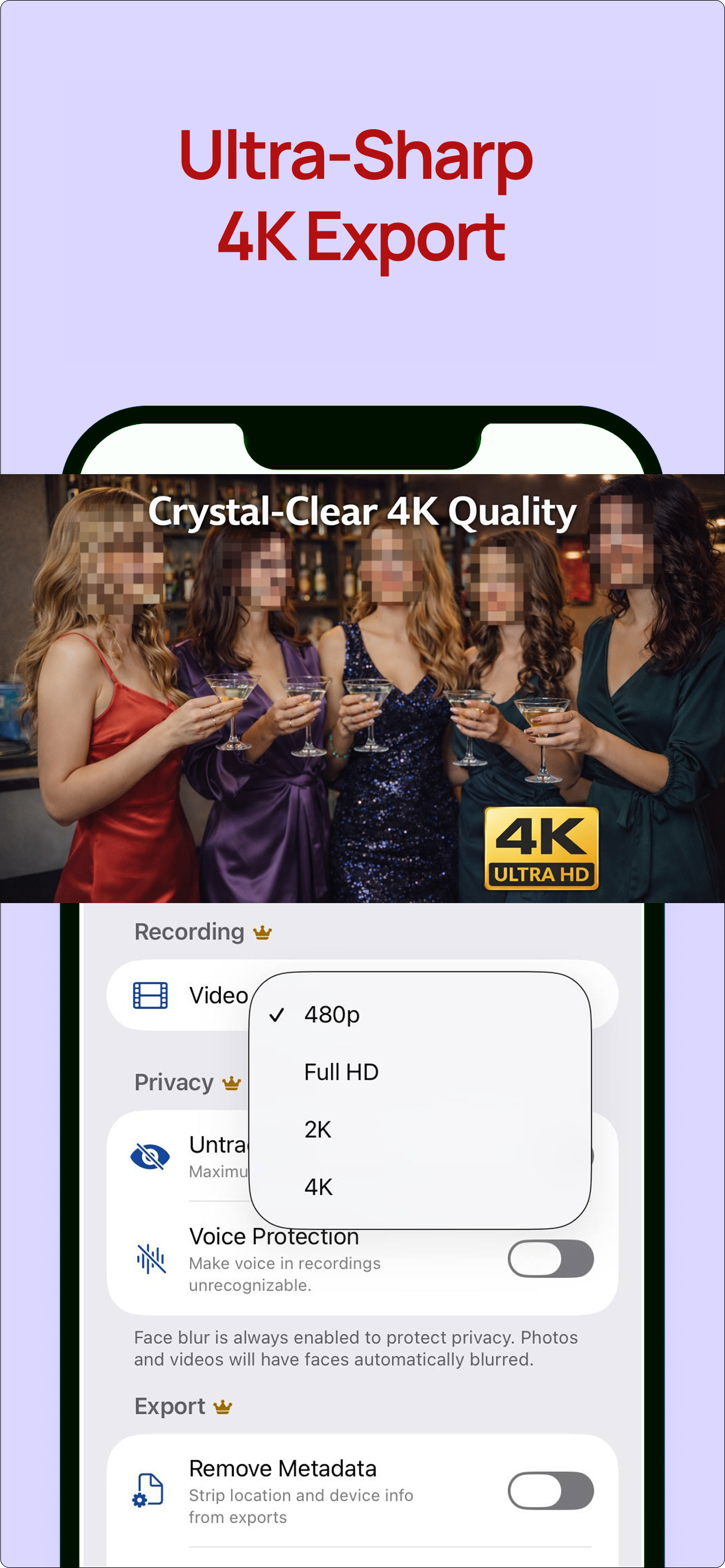
Pro resolution options support cleaner previews, promo edits, and higher-quality private-channel posts.
Pew reports 41% of U.S. adults have personally experienced online harassment. Creators with public audiences carry more exposure than casual users.
Pew also found 25% of U.S. adults have faced more severe harassment, including stalking, threats, or sustained harassment.
USENIX creator-safety research notes that creators weigh emotional, physical, relational, and financial safety across platforms and audiences.
Sources: Pew Research Center online harassment report, USENIX digital-safety needs of creators.


Faces are blurred while filming, so collaborators, guests, mirrors, crowds, and background people are less likely to appear clearly in the saved file.
Pro exports can strip location and device details that creators often forget are hidden inside media files.
Mask narration or background voices when the clip needs personality without exposing a real-world voice identity.
Add a creator name, brand, or handle to saved videos so previews and reposted clips still carry attribution.
Pro unlocks Full HD, 2K, 4K, and a social quality option for sharper previews, promo clips, and private-channel posts.
After saving, the app confirms which protections were active, including face blur, metadata removal, voice protection, and watermarking.
Yes. The page stays platform-neutral, but the app is useful for creators who want to separate public identity, private brand identity, collaborators, and bystanders.
No. Face detection, blur rendering, metadata removal, and voice protection are designed to run locally on your device.
Free includes basic face blur at 480p. Pro unlocks Full HD, 2K, 4K, metadata removal, voice protection, watermarking, Smooth Skin, and export controls.
Email private.blur.cam@outlook.com for support, privacy questions, or subscription help.